

Reference Image
Type 2 — Clear Kitchen Countertops
Illustrative images for reference only; these are not actual photographs.
Allow optional analytics to help us understand page visits and service interactions. You can decline and continue using the website, or change your choice at any time.
Privacy PolicyProfessional property visuals
Remove individual objects, clear loose clutter or empty an entire room. Our editors restore concealed surfaces while preserving the property's architecture and the agreed room layout.
Start A Job
Reference Image
Type 2 — Clear Kitchen Countertops
Illustrative images for reference only; these are not actual photographs.
Service Highlights
Our editing team carries out the work according to your brief and the needs of each image or file.
Remove one or two specified objects, such as bins, a car or chairs. Restore the background while preserving the position of remaining furniture and the room layout.
Clear loose clutter from desks, countertops or cabinet shelves without a fixed item limit. Keep main furniture, built-ins and the room layout in place.
Remove all movable furniture, rugs, floor lamps, plants and loose decor to reveal an empty room. Keep architecture, built-in cabinetry and fixed fittings.
Clean an otherwise suitable photo when a distracting object remains in the frame.
Clear busy desks, countertops and cabinet shelves while keeping main furniture and the room layout in place.
Reveal an empty room by clearing movable furniture before visualizing a new interior arrangement. Architecture and built-in fixtures stay in place.
Pricing
Per final photo · Turnaround shown for each package
Starting from
US$ 2.00
Turnaround Time: 6–24 hours
Starting from
US$ 3.00
Turnaround Time: 6–24 hours
Per Final Photo
US$ 5.00
Turnaround Time: 6–24 hours
Prices are in USD per final photo. Types 1 and 2 start at the listed prices. Type 3 has a fixed per-photo price for clearing movable furnishings while preserving architecture and built-in fixtures.
Sample Gallery
Compare the illustrative pairs and open full-size images for details. Images are for reference only, not actual photographs.


Reference Image
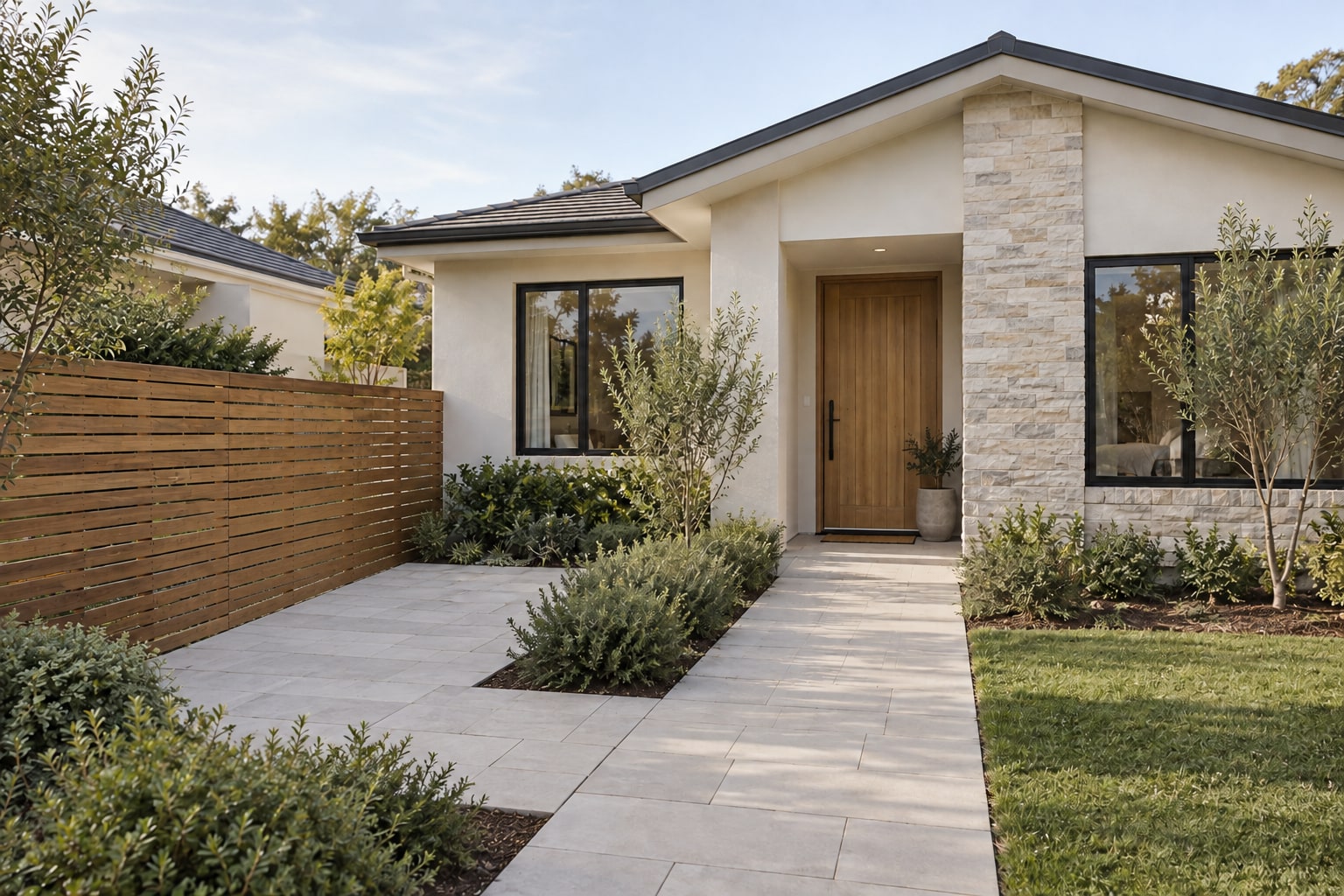
Remove two bins and their shadows, restoring the paving while keeping the house, fencing and landscaping intact.


Reference Image
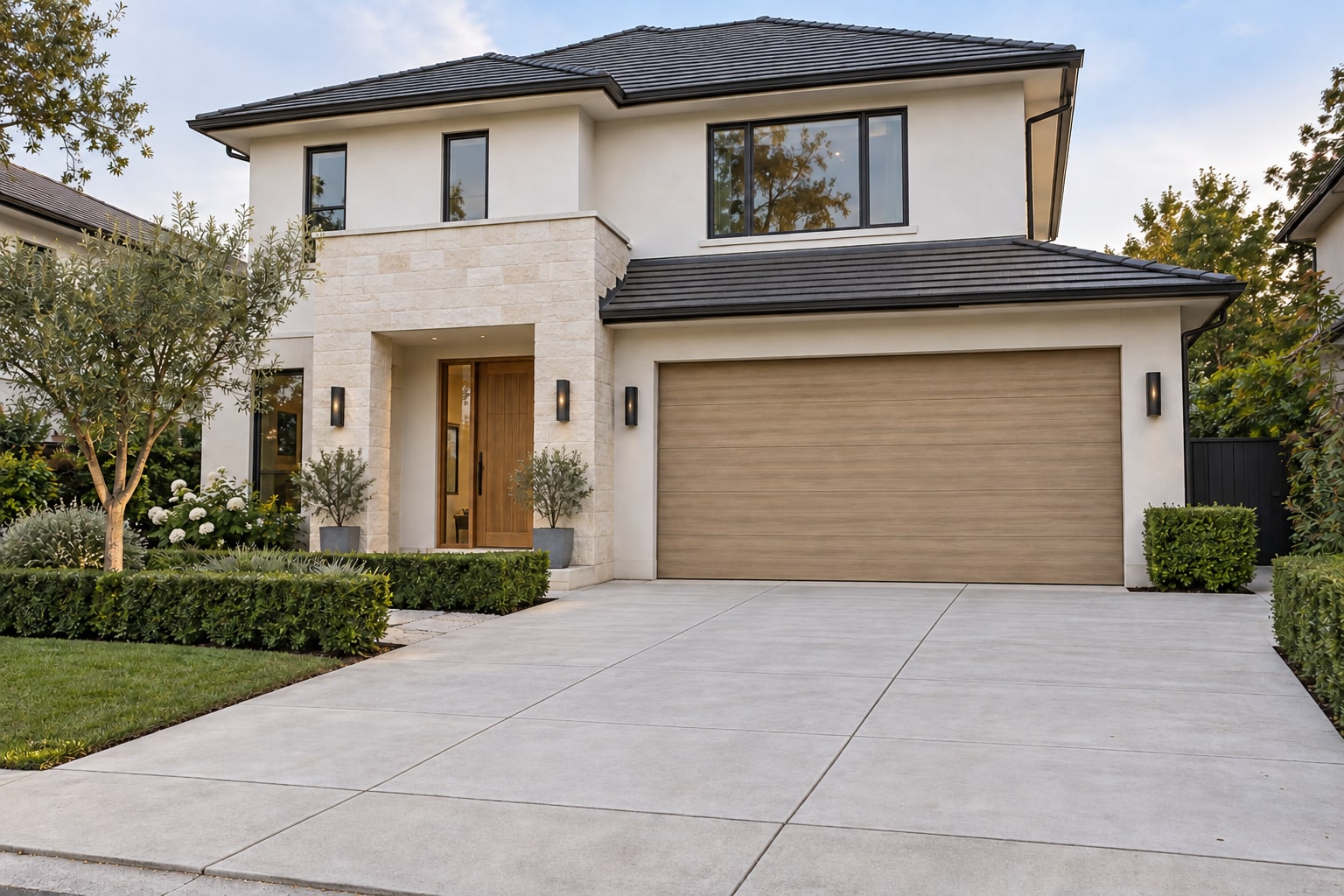
Remove one car and its associated shadow, reconstructing the driveway without changing the garage, facade or garden.


Reference Image
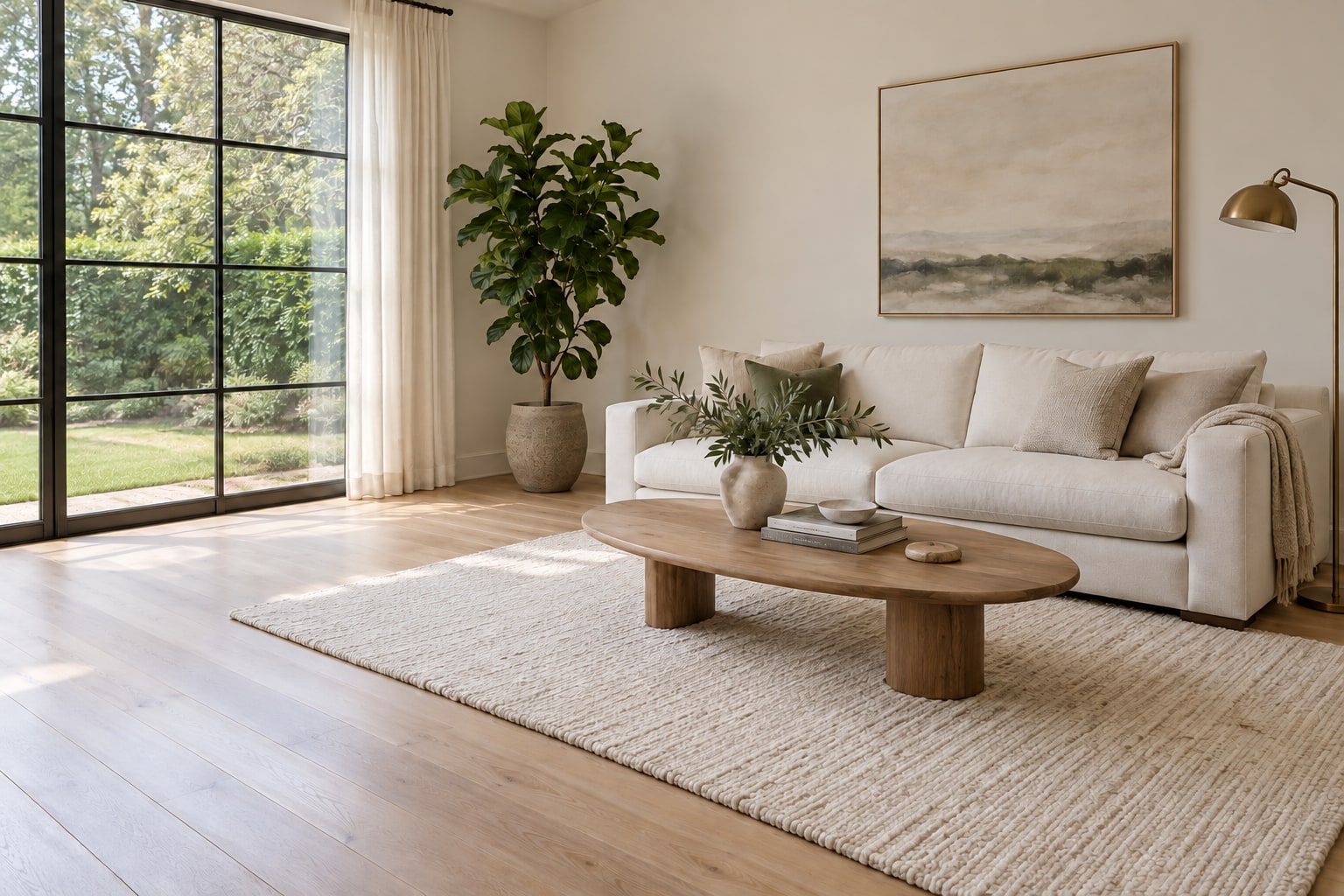
Remove two selected chairs while keeping the sofa, table, rug and the position of all remaining furniture unchanged.


Reference Image
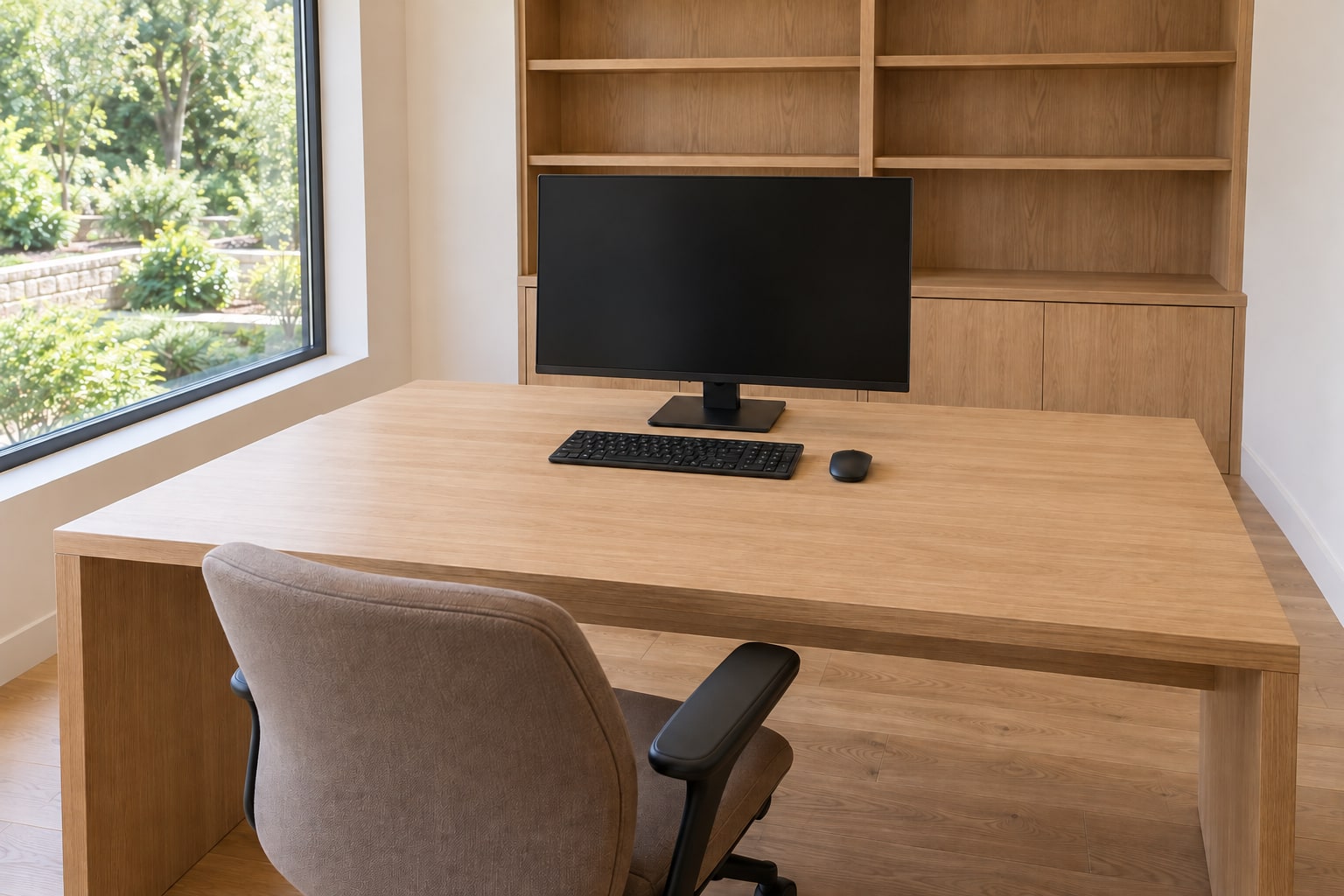
Clear loose desk clutter while keeping the desk, chair, monitor, shelving and workspace layout in place.


Reference Image
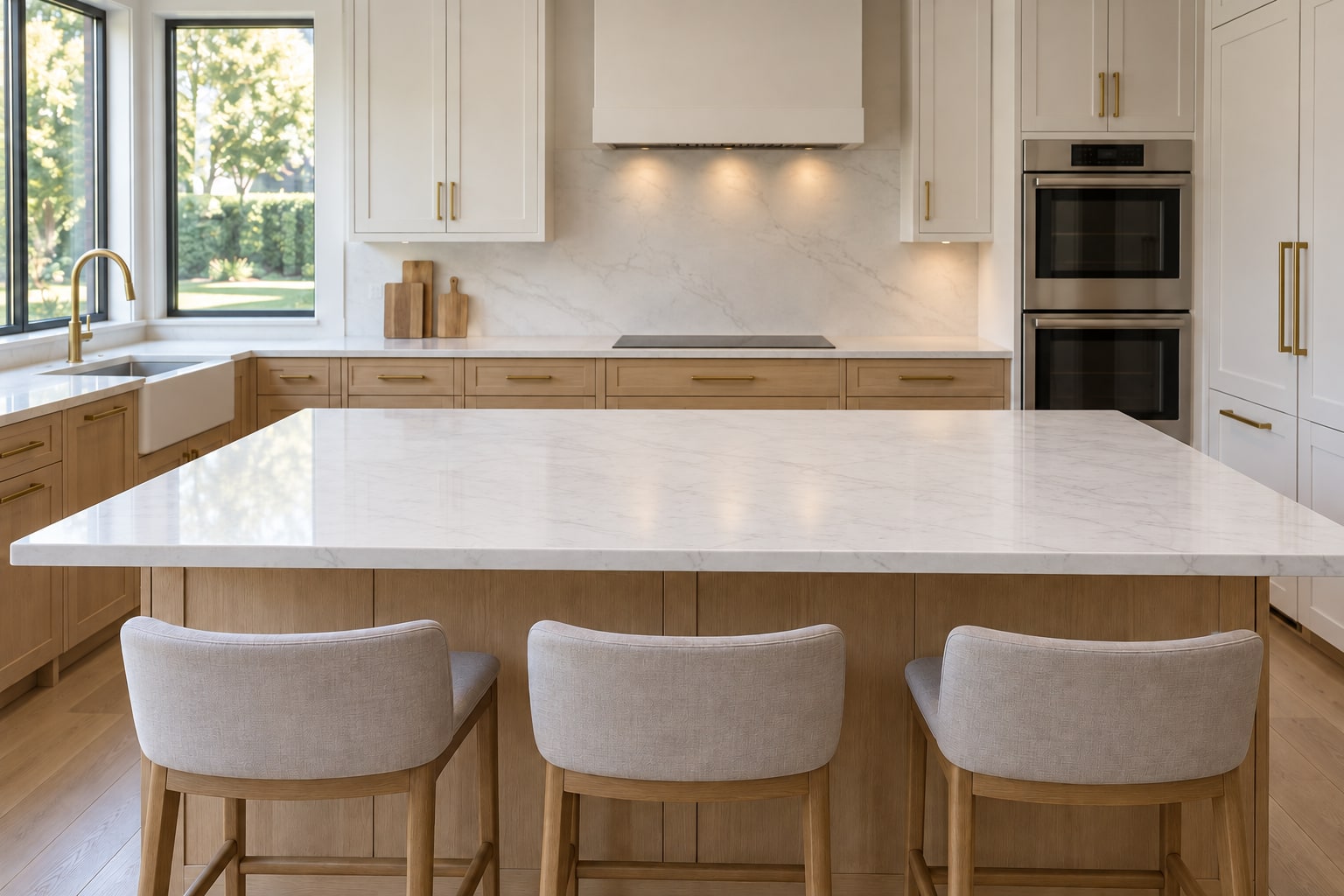
Remove loose countertop clutter and restore the stone surface. Cabinetry, the island, stools and fixed appliances stay in place.


Reference Image
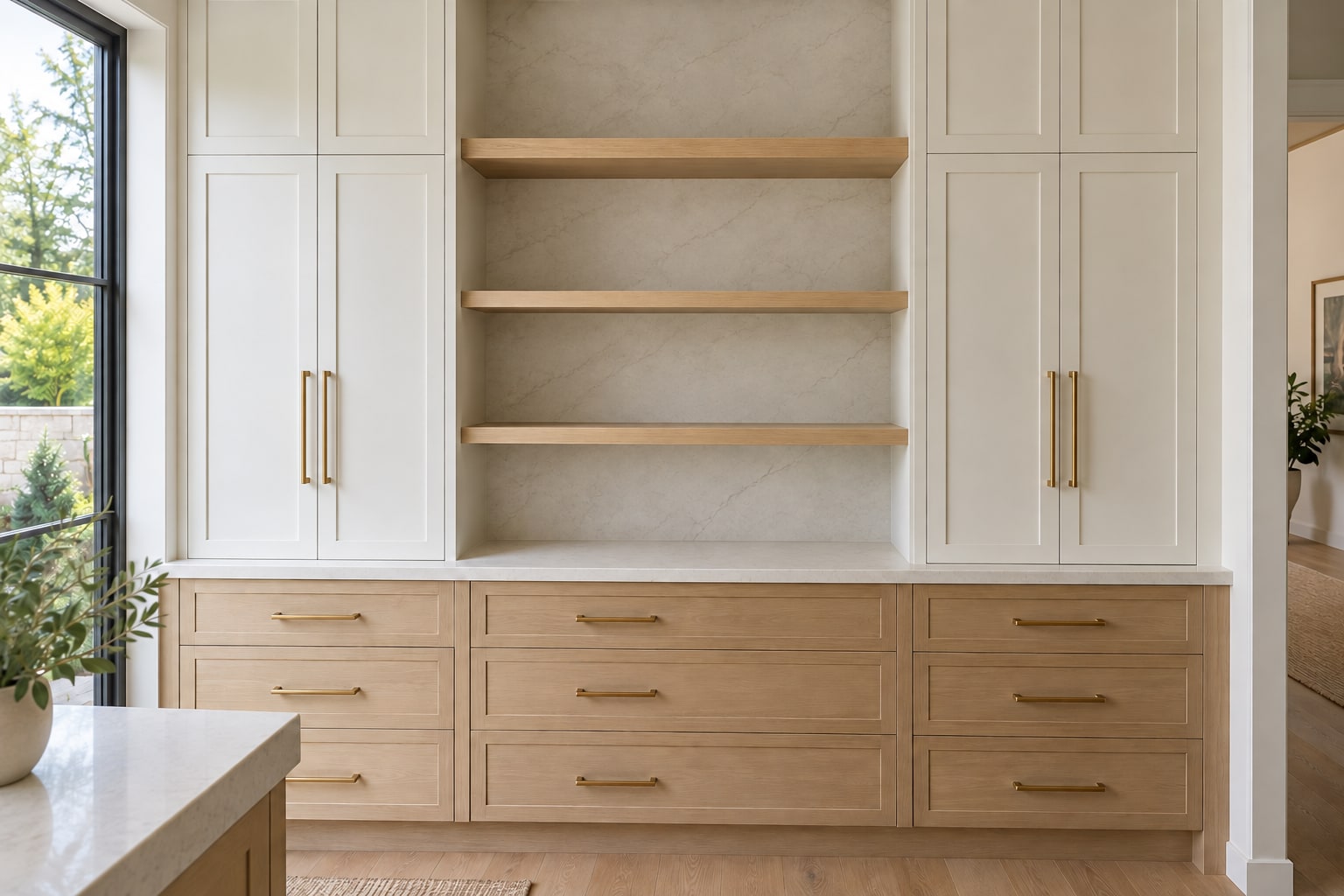
Clear selected packages, jars and utensils while preserving the pantry's shelving, cabinetry and layout.


Reference Image
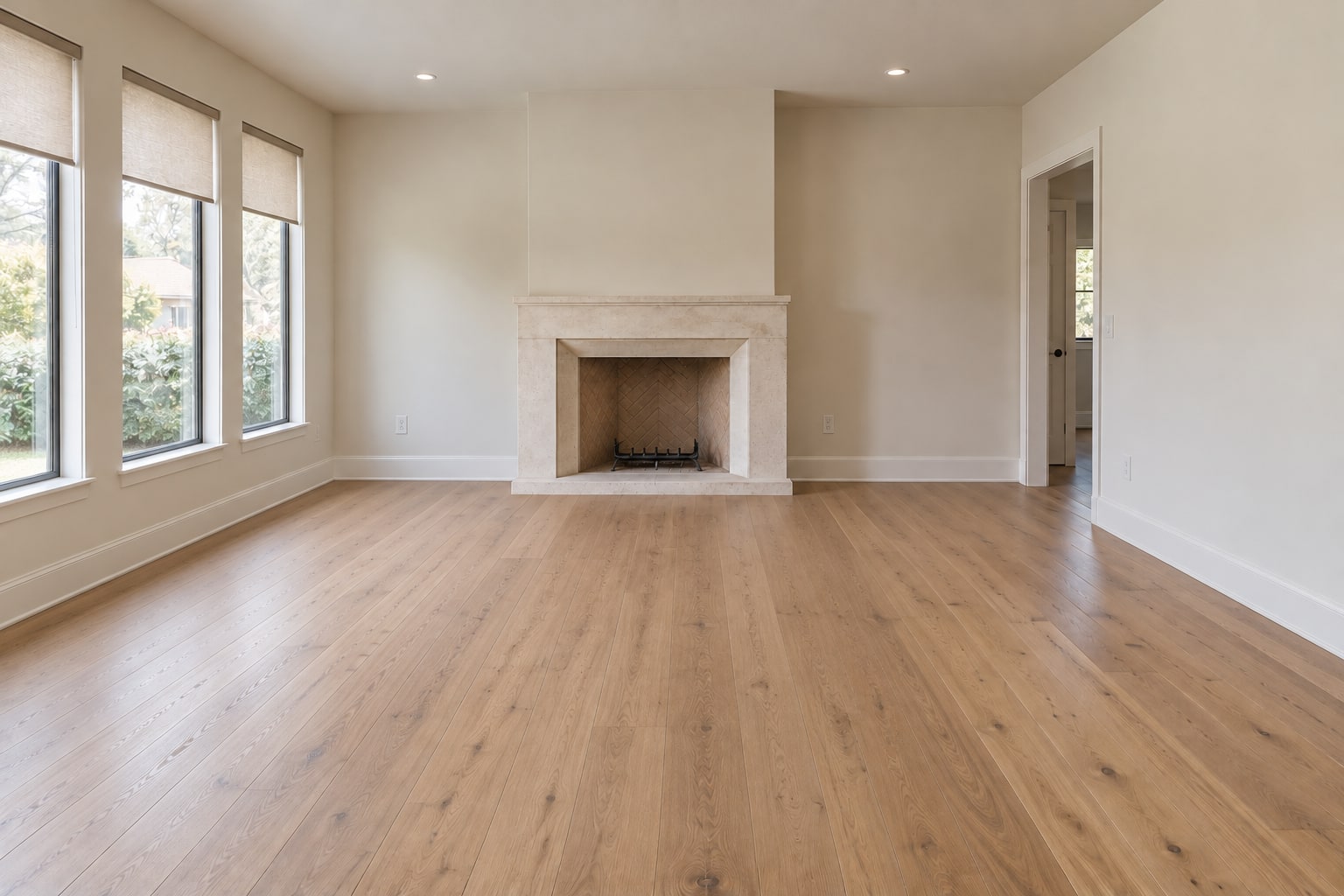
Clear all movable furniture, rugs, floor lamps, plants and loose decor, restoring the room's floor and walls while keeping fixed architectural features.


Reference Image
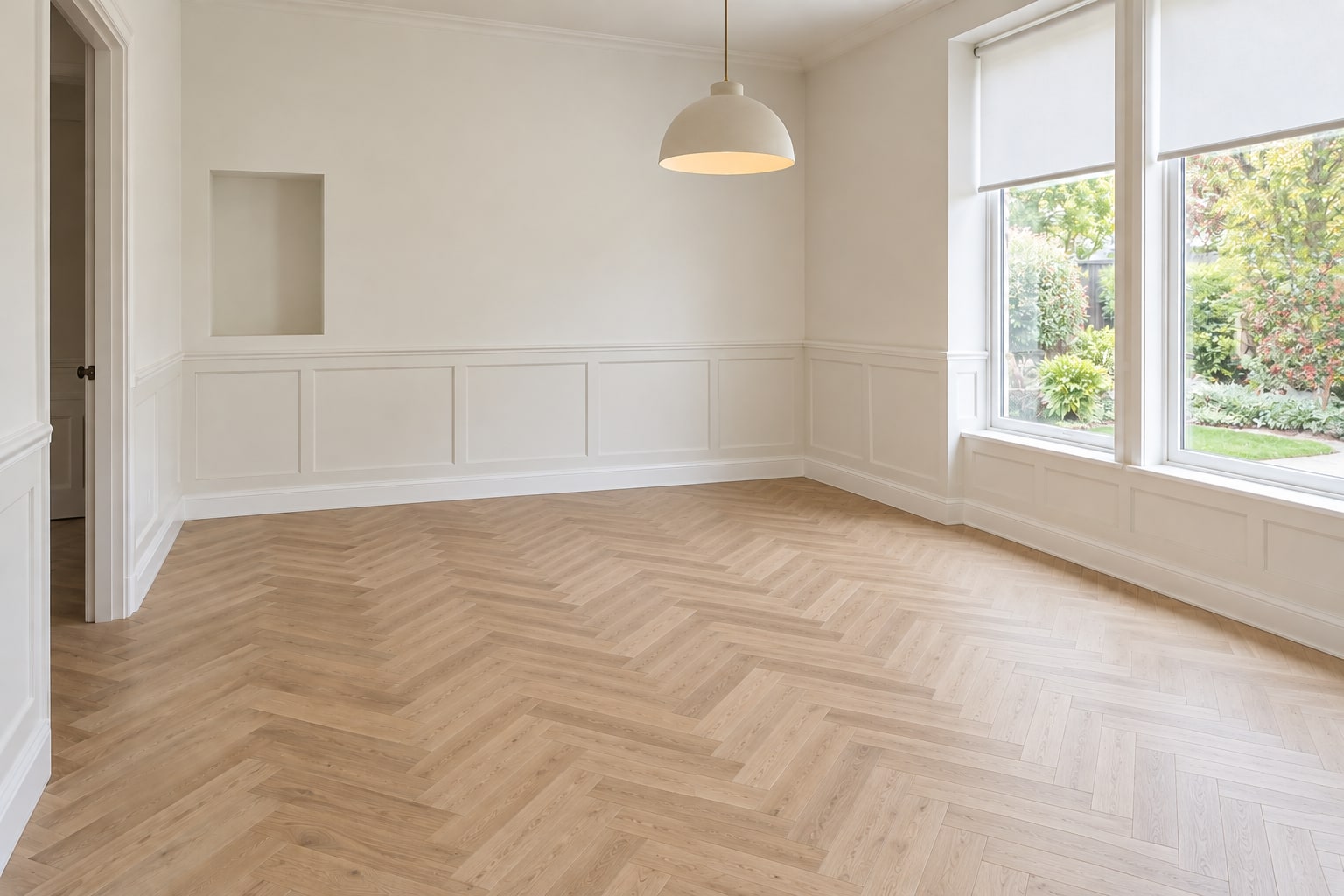
Remove the dining furniture and loose decor to reveal an empty room, preserving the ceiling light, doors, flooring and built-ins.


Reference Image
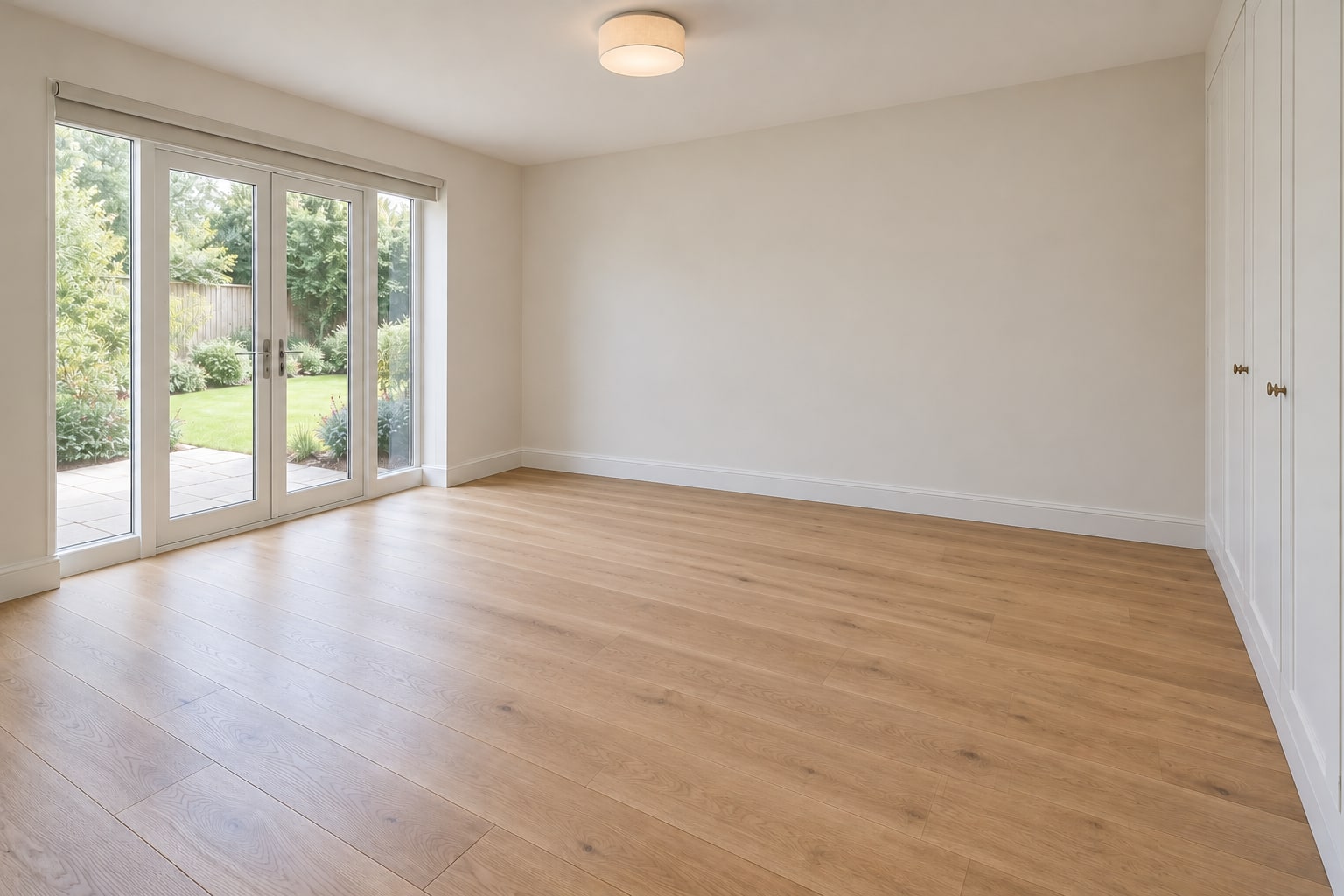
Clear the bed and all movable furnishings, restoring the concealed floor and walls while keeping the fitted wardrobe, glazing and garden view.
Sign in and choose the service you need to start a new job.
Name your job, enter the number of edits or final files, and add any editing instructions.
Upload your photos, videos and reference files. Wait for all uploads to finish before continuing.
Review your requirements, quantity and price. Complete payment or confirm submission as required for your account.
Follow your job in your account and open the delivery link when your finished files are ready.
Ready when you are
Start a job with your files and requirements, or talk to our team about your project.